AI Studio Plugin for Photoshop
Retouch | Effects | Looks | Color
You bought presets. You're still editing manually.
The KD AI Studio Plugin is different. It's not a preset pack. It's the entire workflow, AI-assisted from RAW import to final export, with a proper Photoshop plugin doing the heavy lifting.
Only 4 tabs to instantly retouch, add effects, change the overall look or adjust colors.
Let the AI Engine do the Heavy Lifting
Built for photographers who want pro results.
Retouch
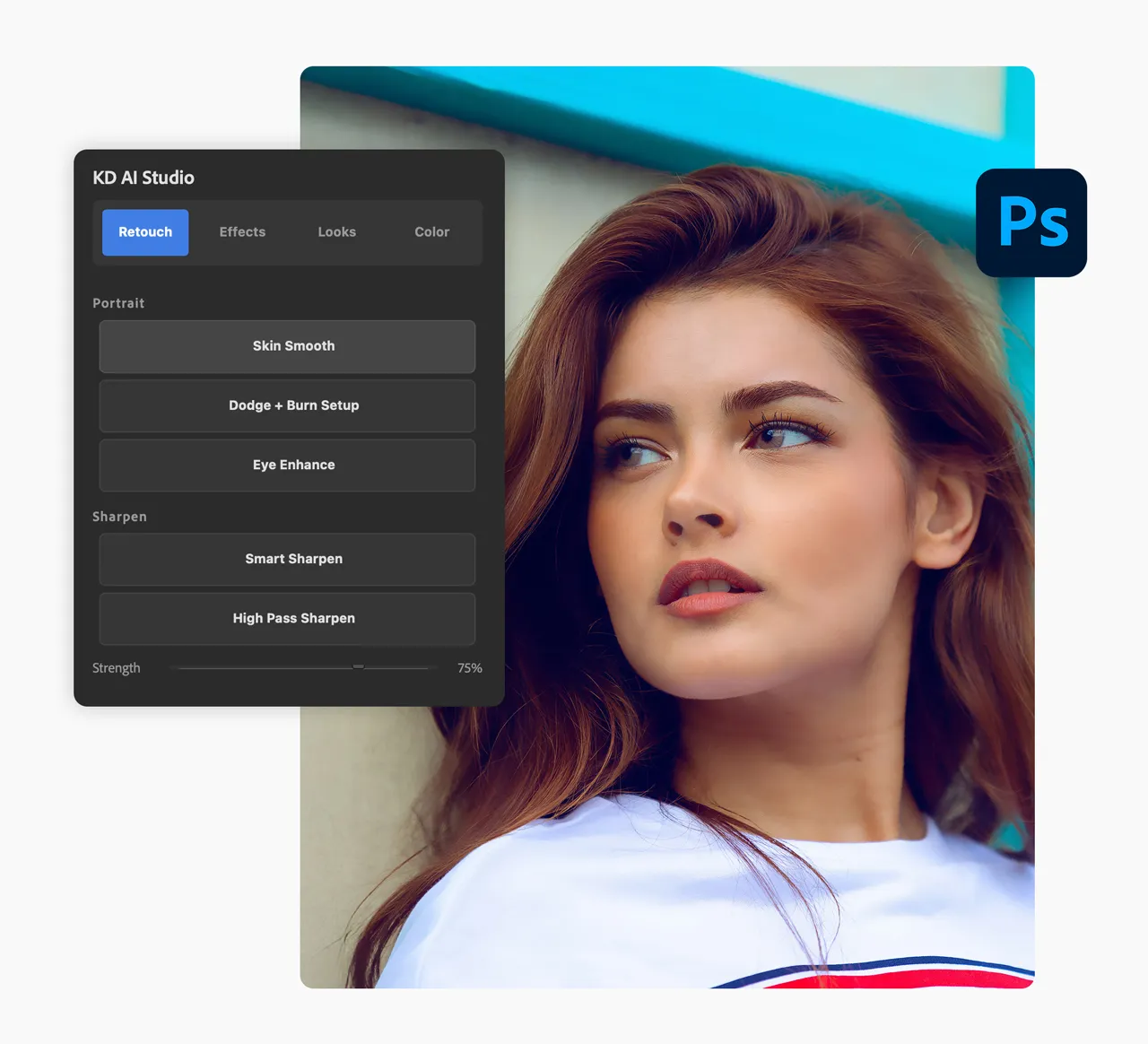
With a single click, intelligently smooth skin, enhance eyes, and generate a non-destructive Dodge & Burn setup. You get the lightning-fast speed of AI, while keeping absolute creative control over the final polish.
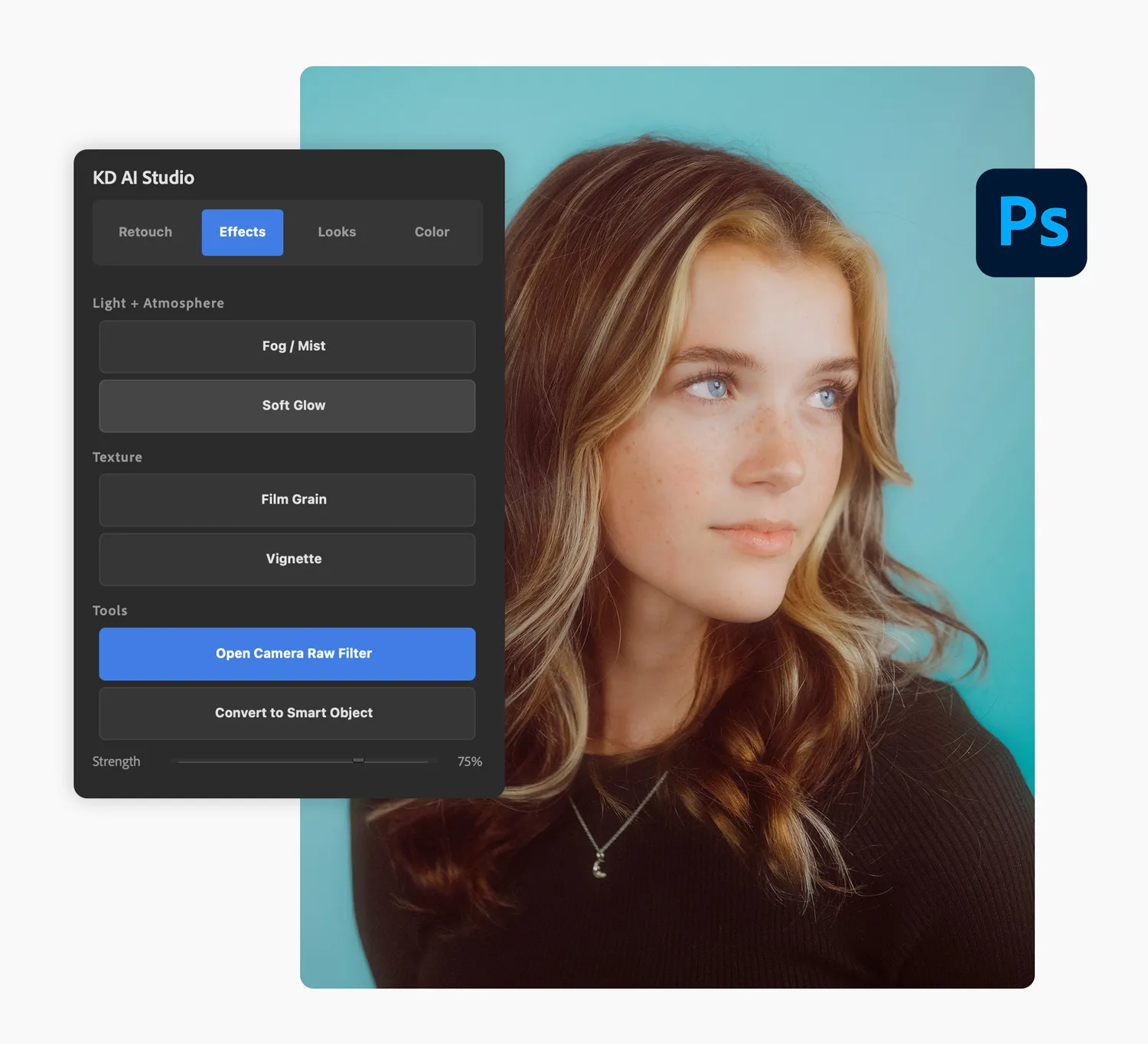
Effects
Add realistic Fog & Mist, apply a soft glowing diffusion, or inject authentic Film Grain texture with a single click. Bypass the tedious layer management so you can focus entirely on the creative vibe of your image.
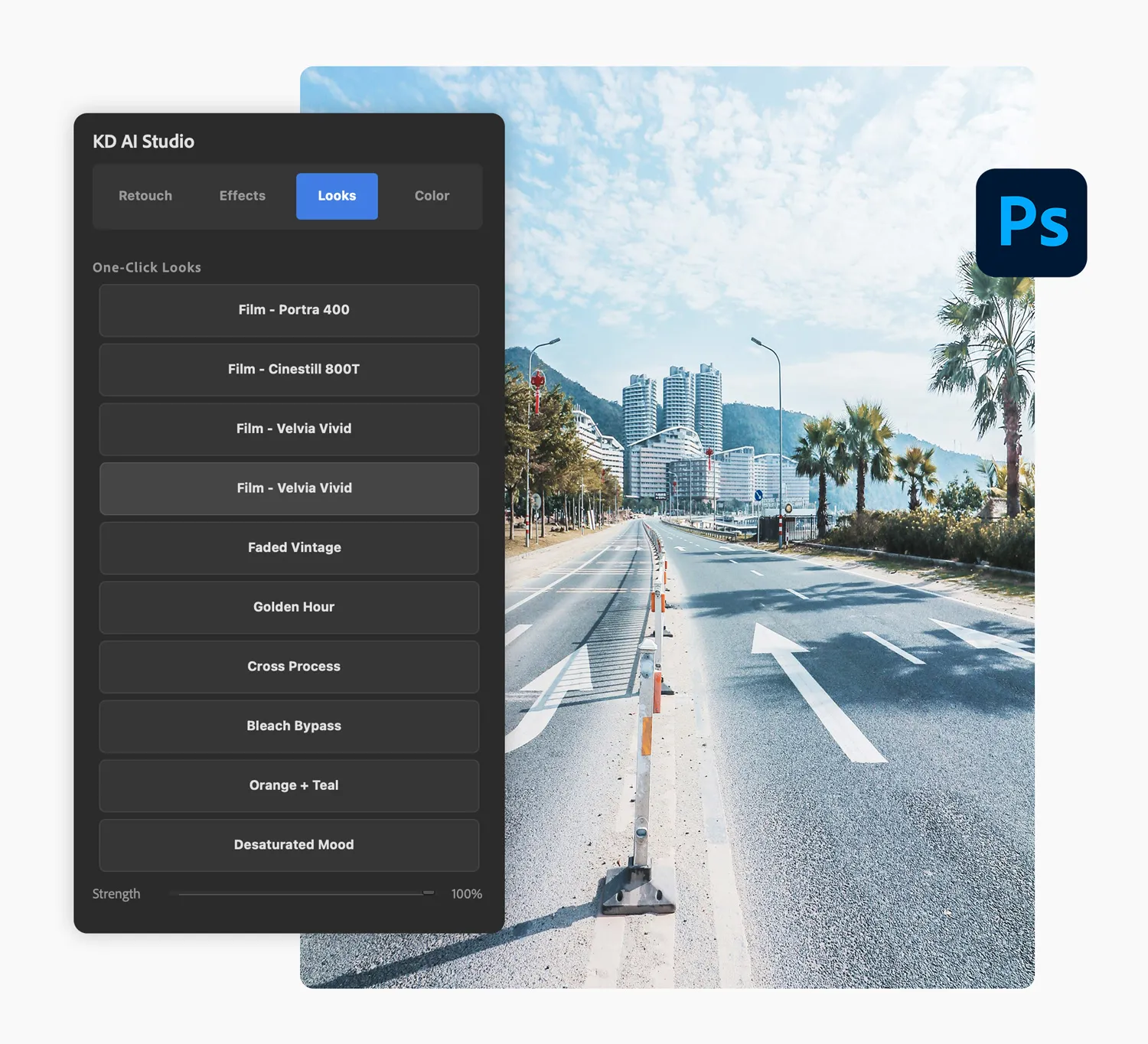
Looks
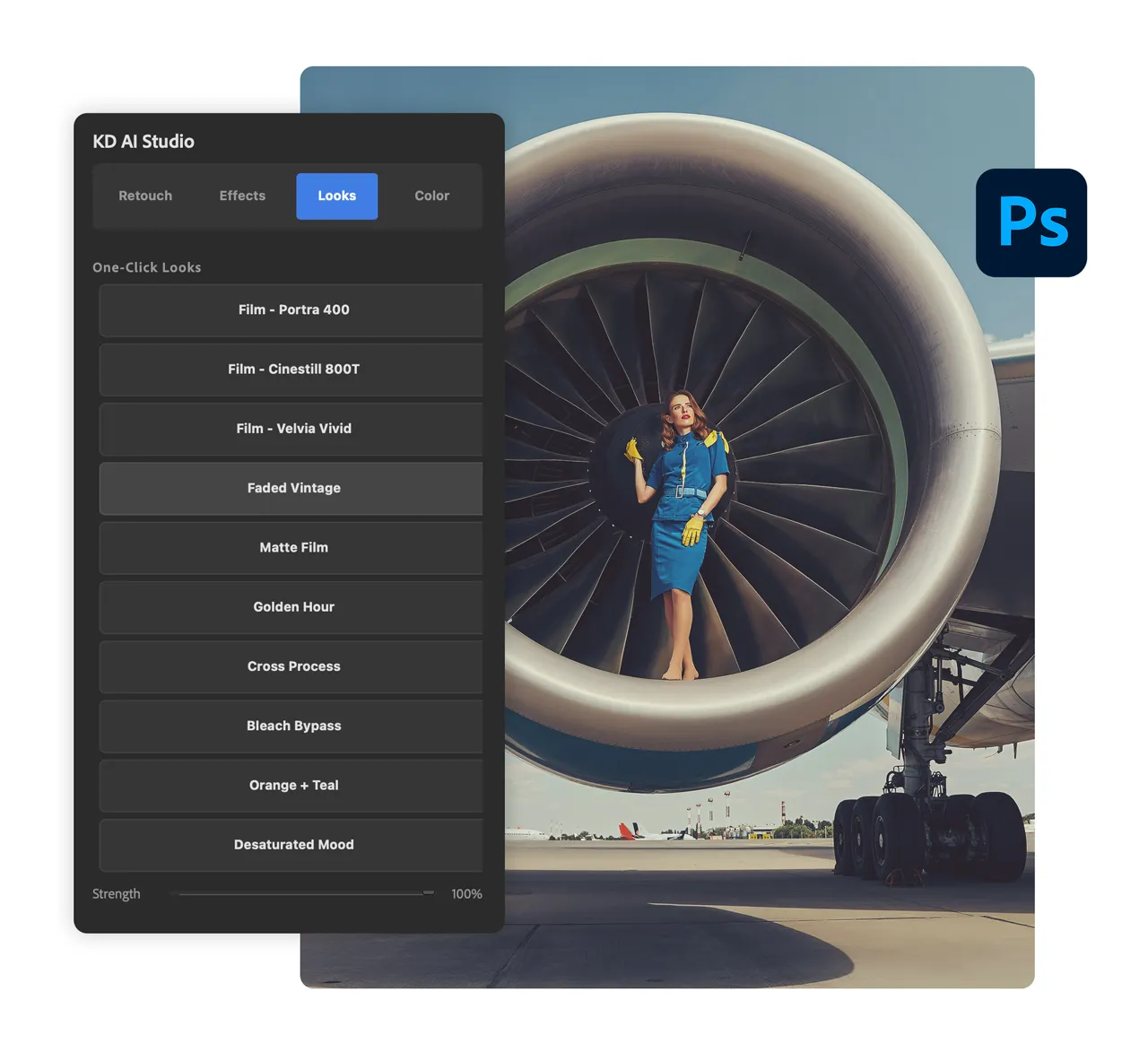
The Looks module hands you instant, authentic aesthetics without the trial and error. Apply true-fidelity film emulations or stylized cinematic fades with a single click, then dial in the exact intensity using the built-in strength slider. You get the perfect aesthetic in seconds, without ever destroying your base image.
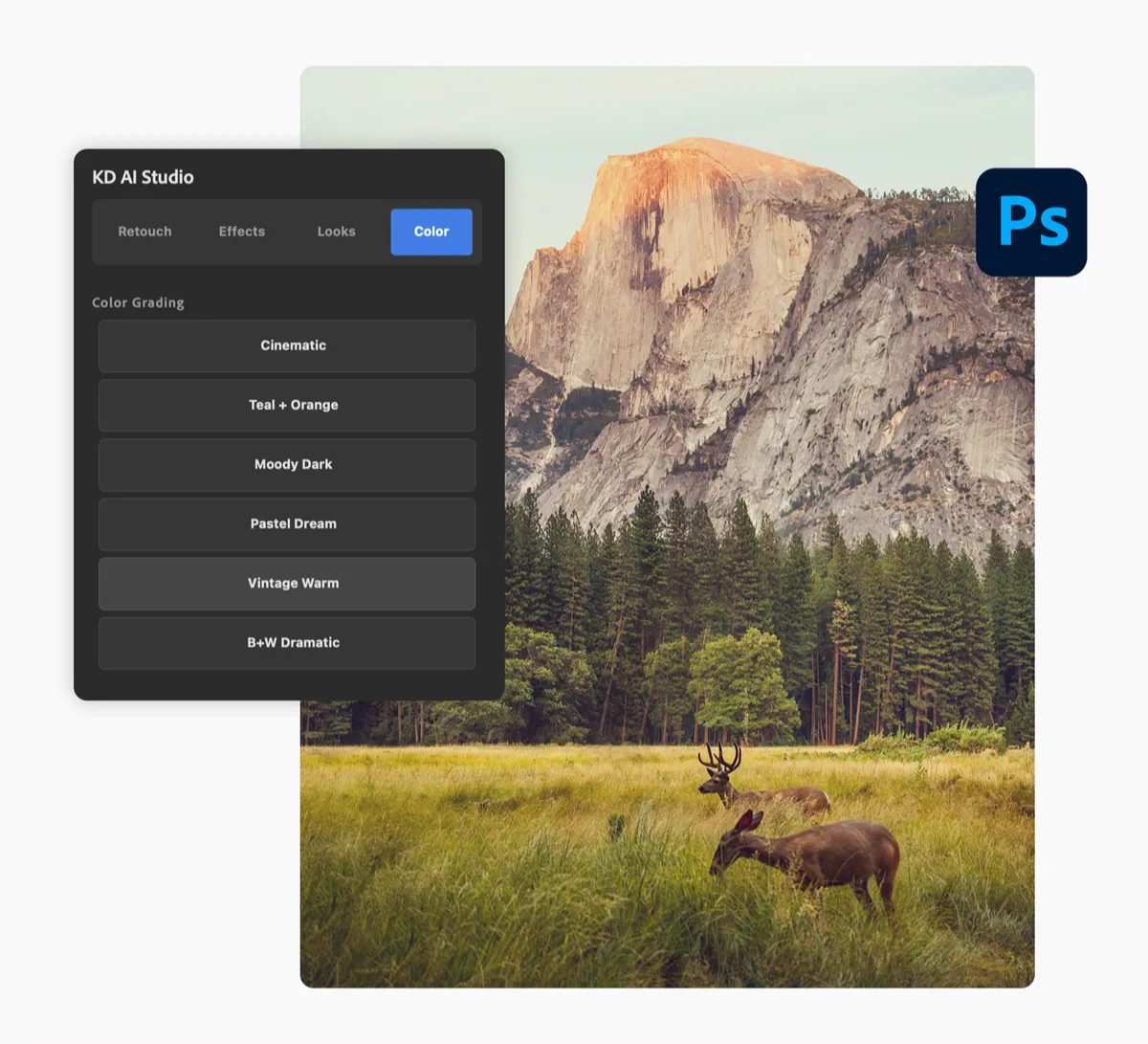
Color
The Color module acts as your personal high-end colorist. Whether you need a blockbuster Teal & Orange grade or a moody, dramatic atmosphere, the AI Studio plugin intelligently applies professional color science directly to your image. Stop fighting with the curves dialog and get flawless, studio-grade color in a single click.
Installation & User Guide
Included. (Digital Book)
10-page reference guide covering install, every plugin button, smart object workflows, and troubleshooting.

Meet the Creator
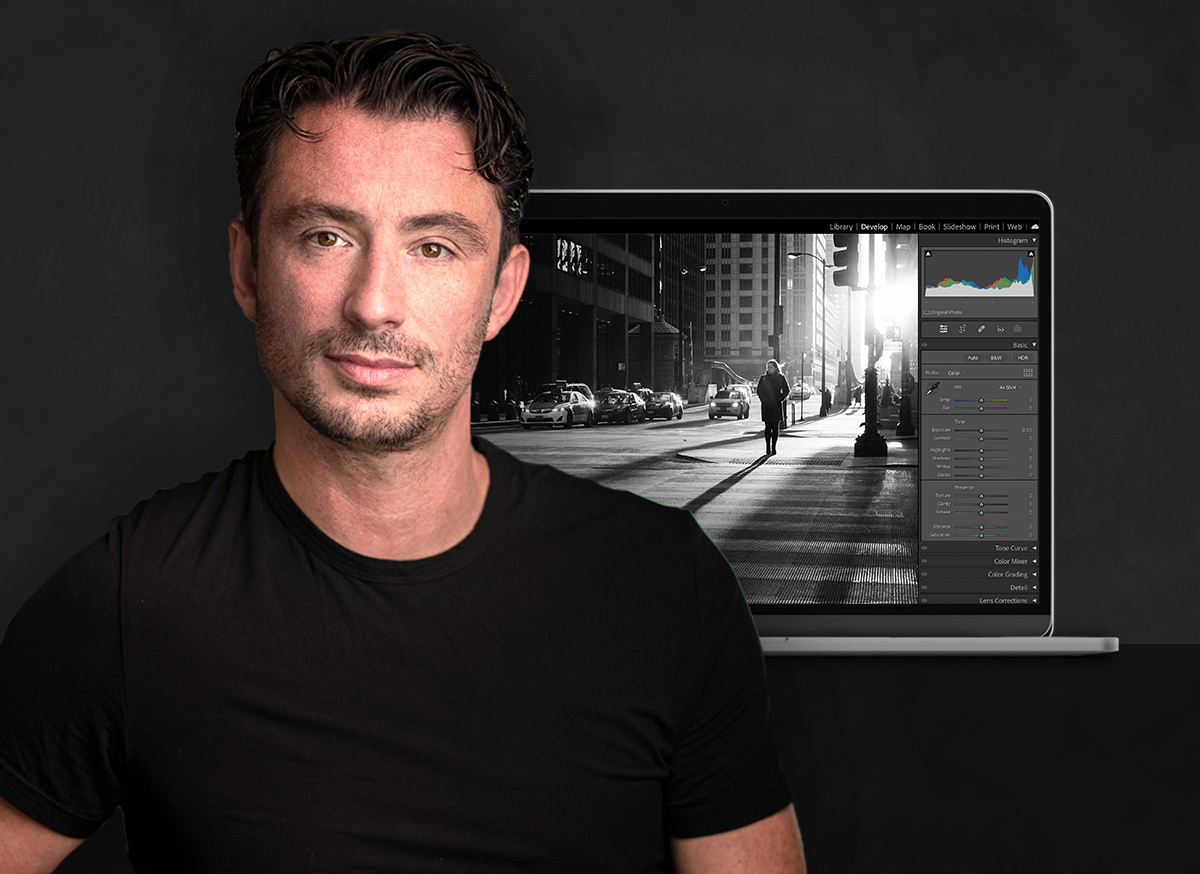
Award-winning photographer and graphic artist, Kelvin Pimont. With over 30 years of graphic design experience, Kelvin’s art has been published around the world by brands such as Chanel, Disney, Perrier, and L'Oréal. As an industry-leading educator, Kelvin has amassed a huge following for his easy-to-learn approach to turning any idea into a reality in Photoshop and Lightroom.