Photoshop with Complete Creative Control
Discover the techniques you didn't know existed.
You want your images to be art, not just photos.
From basic techniques to advanced tricks, your Photoshop ability can take any idea and turn it into a masterpiece with full creative control.
This project-based learning bootcamp is your fast track to create magic in Photoshop and enjoy the process as you unlock a Photoshop approach that keeps you focused on your ideas, not the software.
Create Masterful Art
Fast track your ability to create magic in Photoshop.
10 Projects
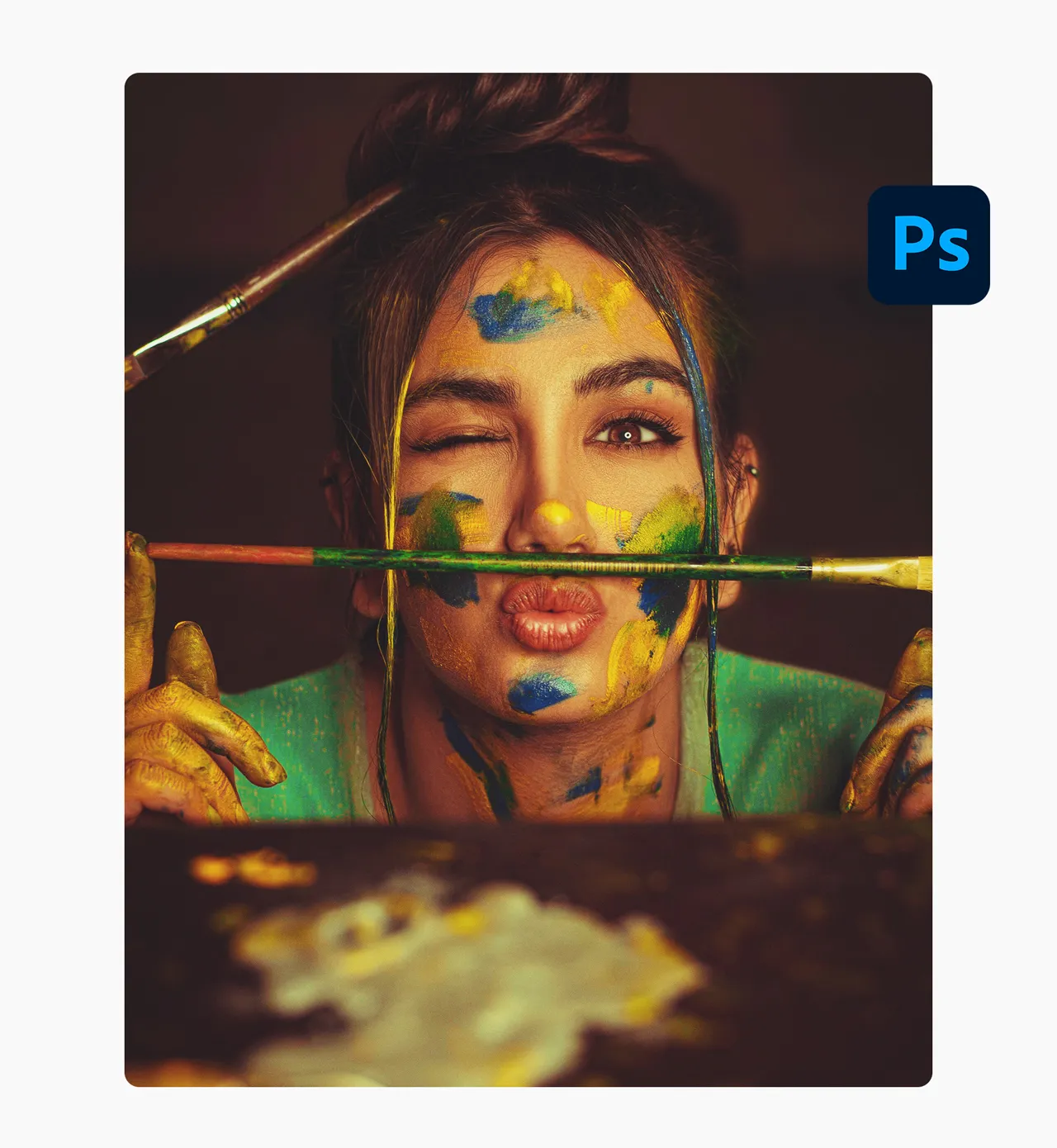
Join me and world-renowned photographer Jerry Ghionis as we take ten ideas and show you the exact steps to bring them to life and how to use Photoshop in a real life setting to create the magic.
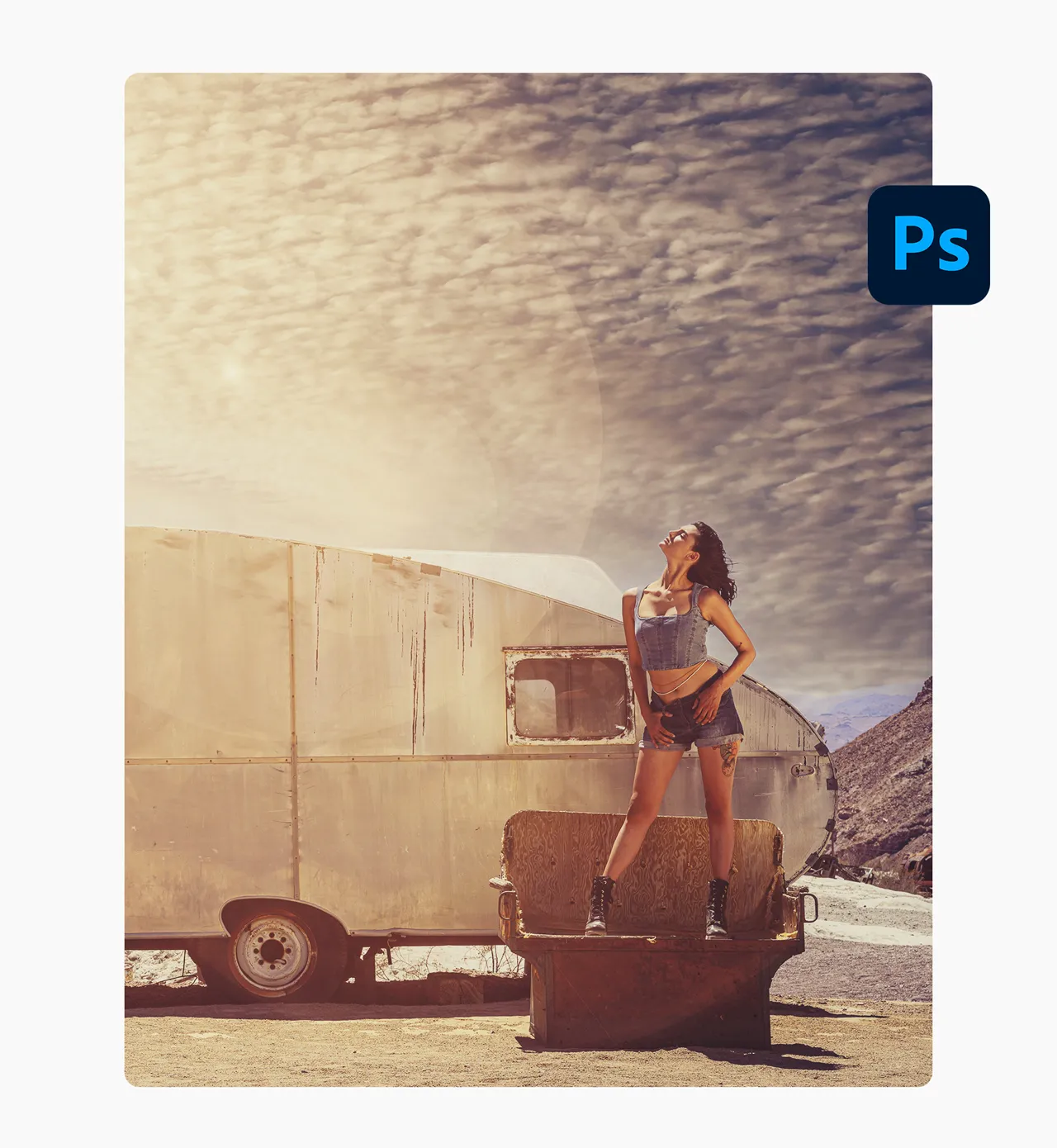
19h 49m Bootcamp
This project-based learning bootcamp is designed to show Photoshop in action. From basic techniques to advanced tricks, in a step-by-step approach so you enjoy the process and raise your Photoshop ability along the way.
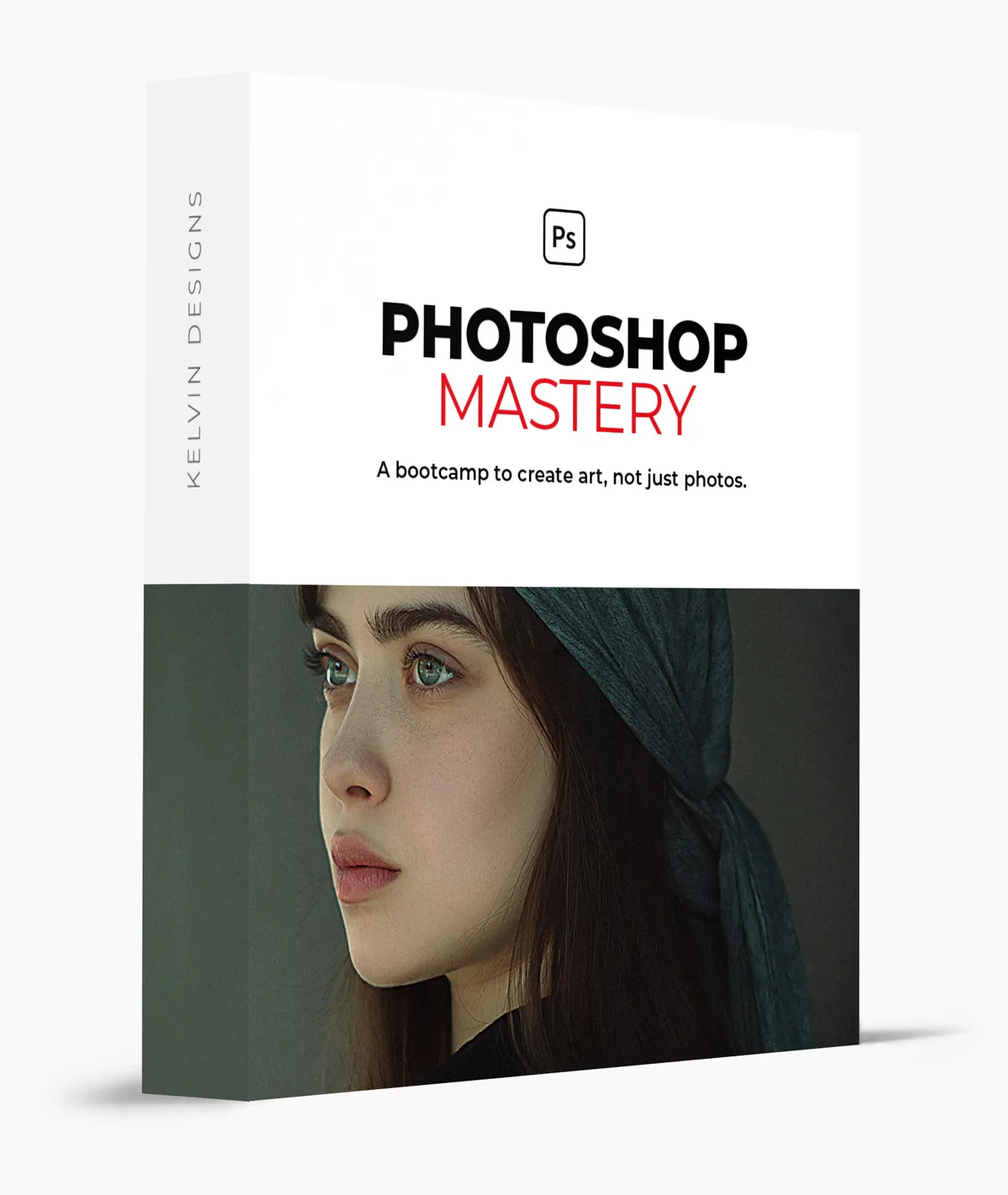
Photoshop Mastery
Yes, we cover the basics like Masking & Extraction, Color Adjustment, Sky Replacements, and many others but when it comes to advanced tricks, the theory is not enough. That's why the bootcamp is all about real ideas and how to execute them. It's a different approach to becoming a Photoshop Master. With techniques that you most likely didn't even know existed that will change the game for your art.
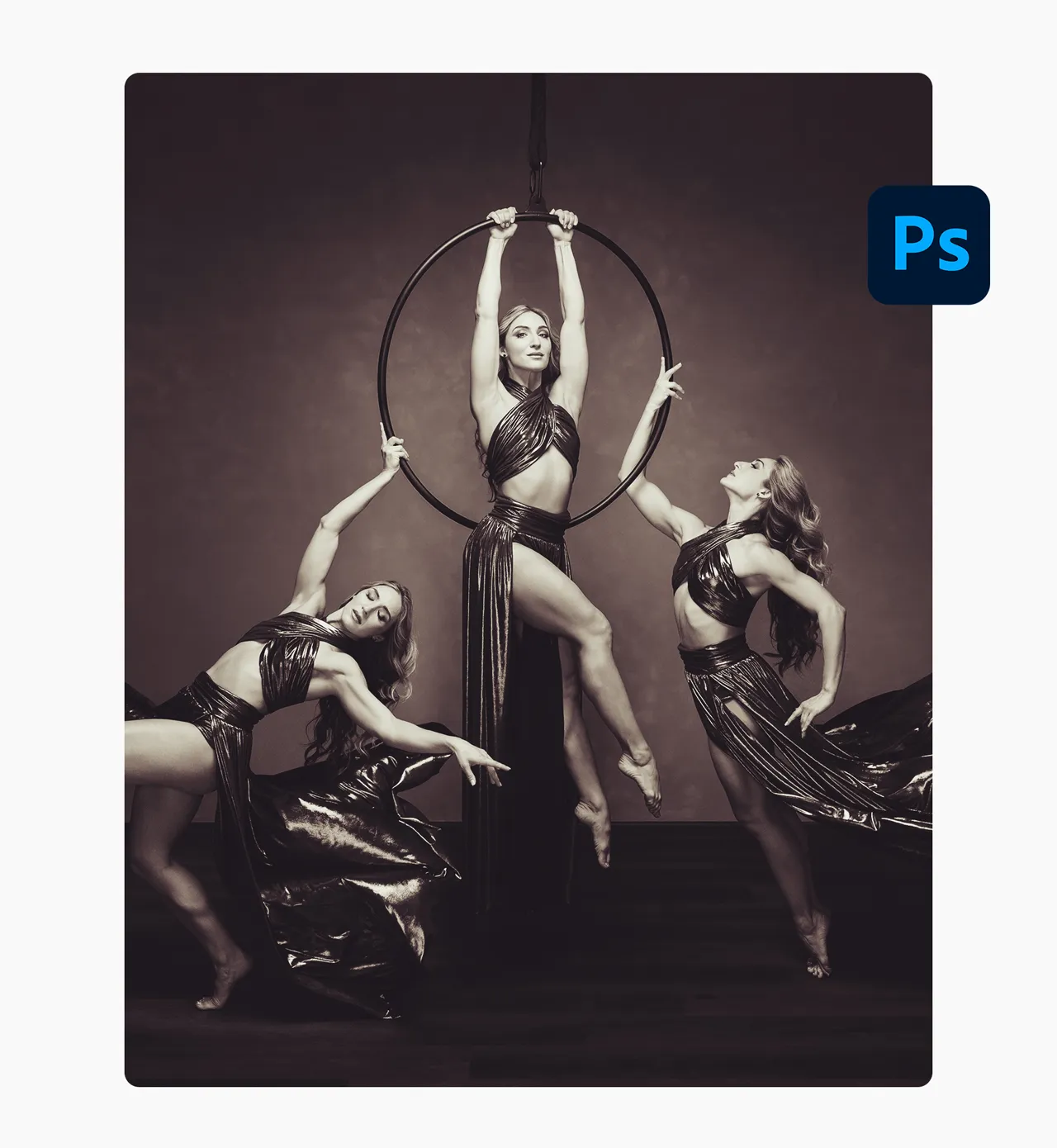
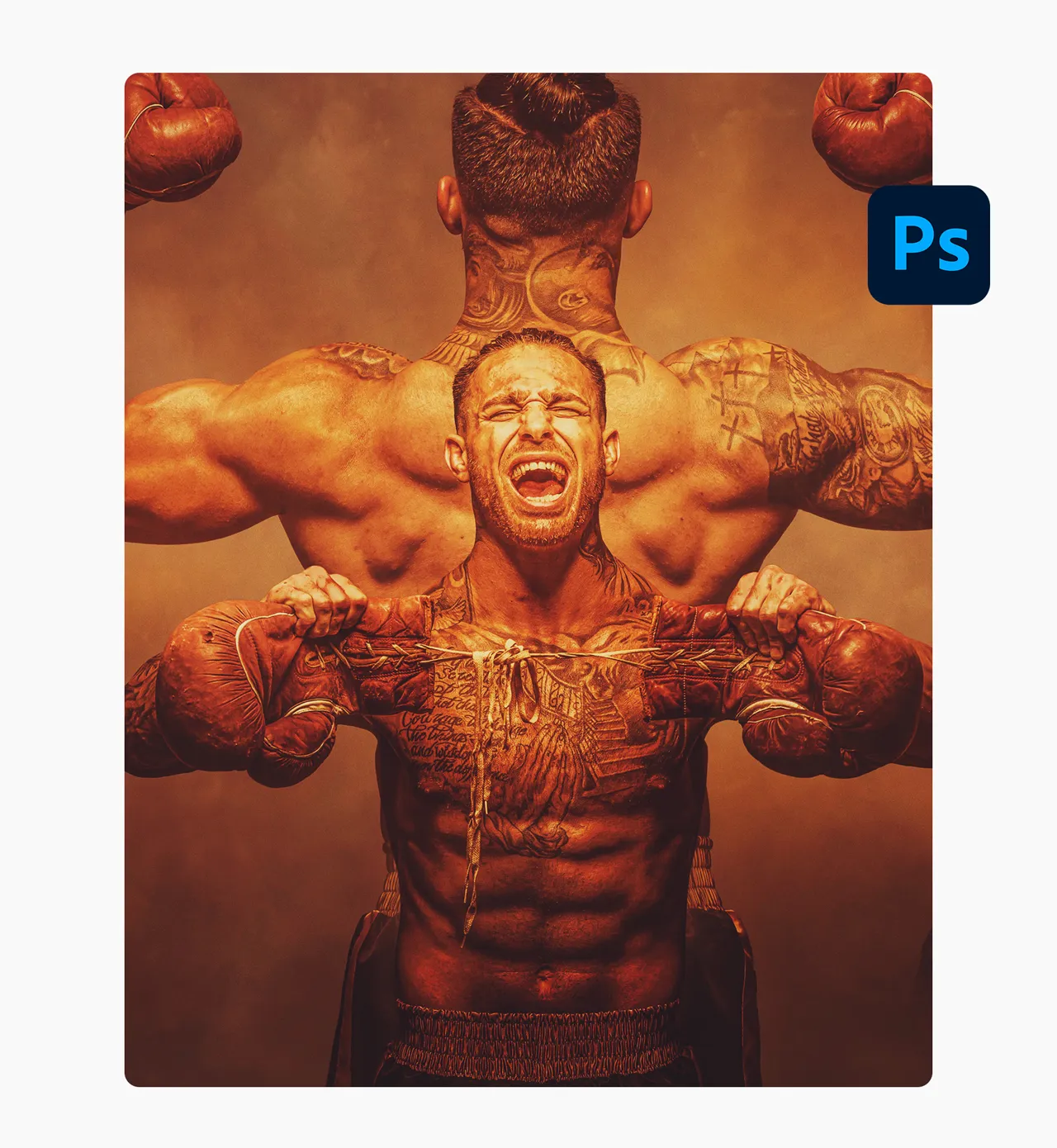
Stream on any device
Go at your own pace. Anytime, anywhere. Over 19 hours behind-the-scenes with 80 modules broken down into 10 unique projects. Get instant access to the bootcamp and the bonus content and you are off to the races in no time.
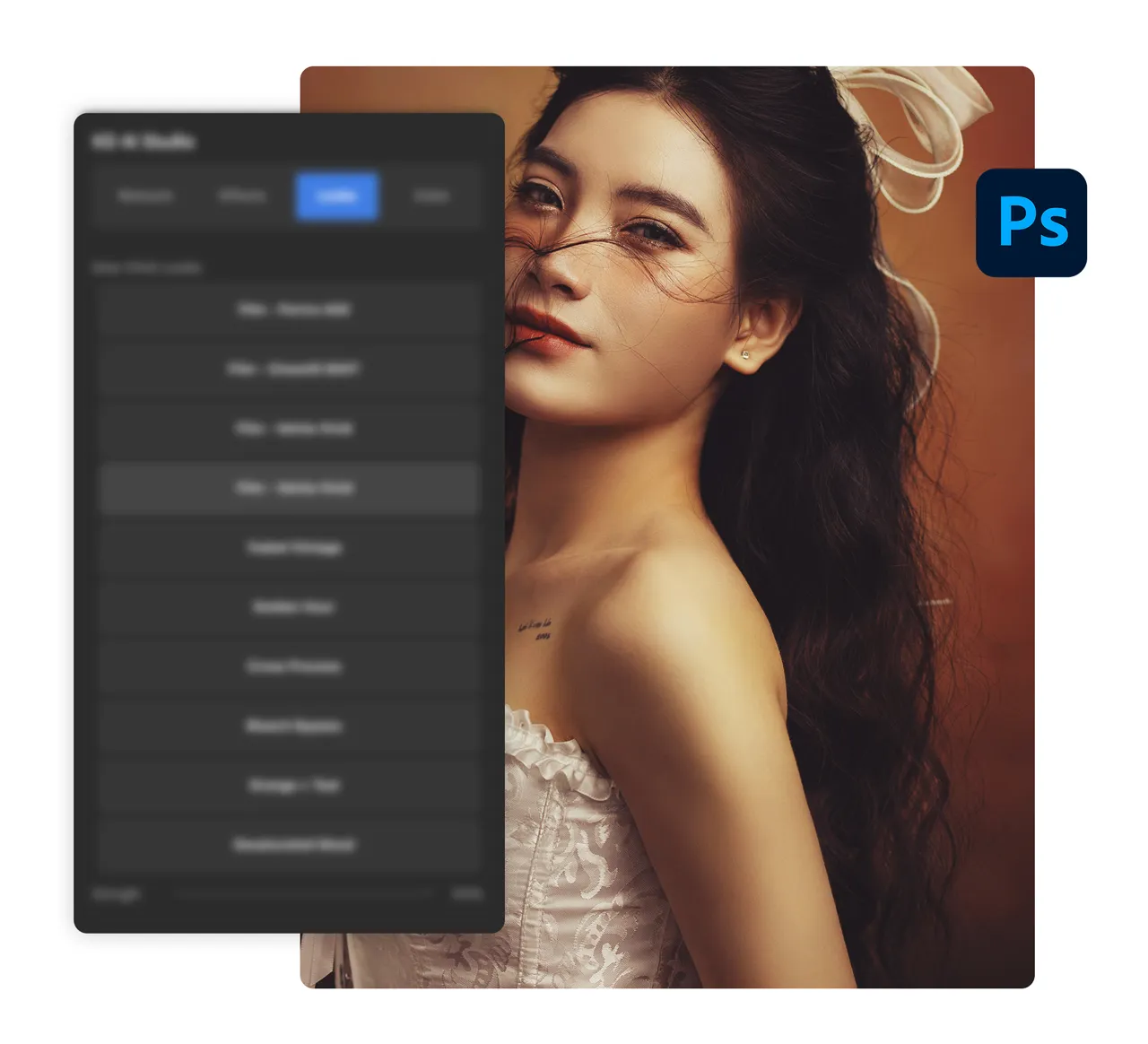
AI Studio Plugin for Photoshop
Bonus Content. ($27 value)
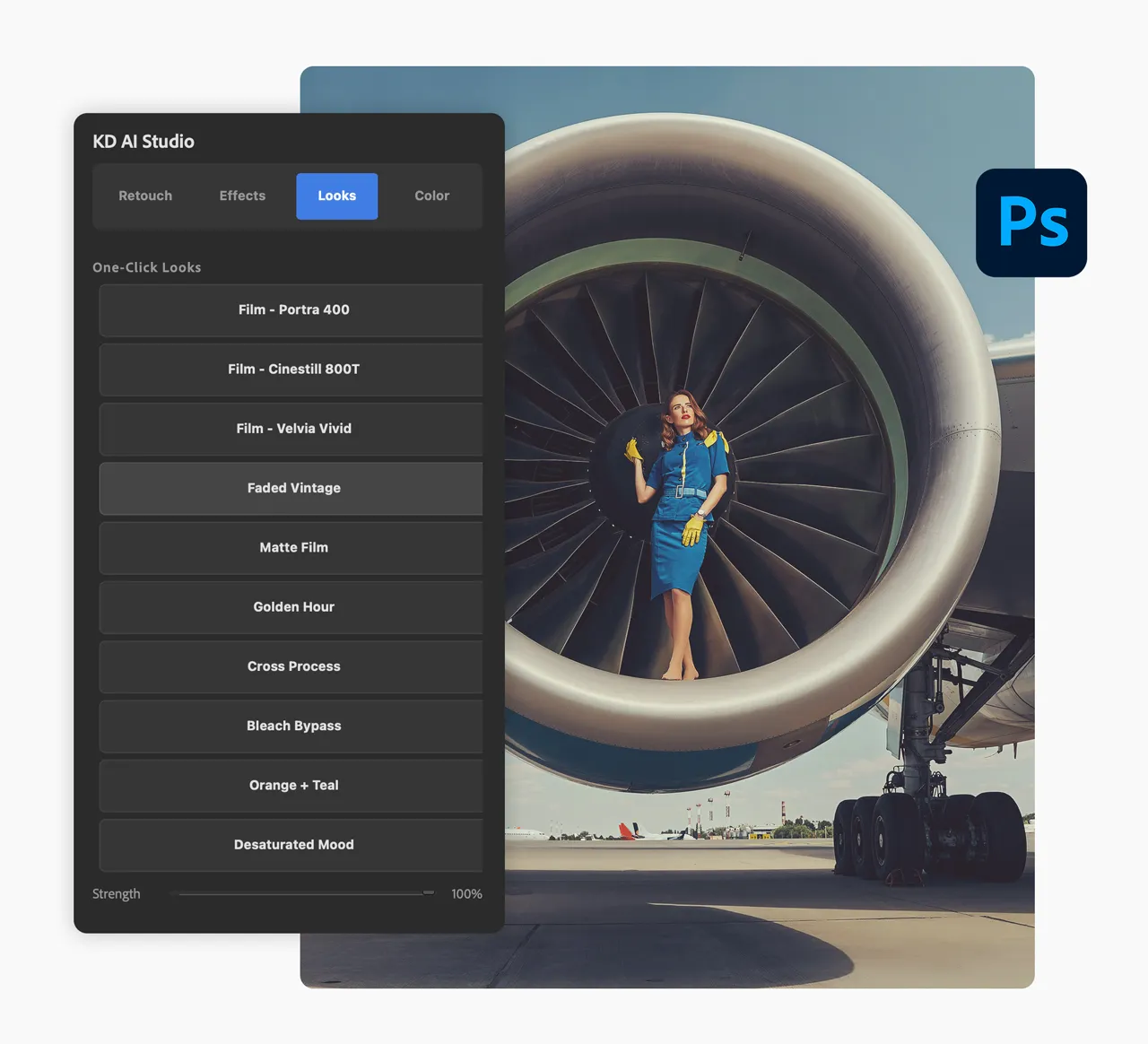
Let an AI Engine do the heavy lifting. It's not a preset pack. It's the entire workflow, AI-assisted from RAW import to final export, with a proper Photoshop plugin doing the heavy lifting. Only 4 tabs to instantly retouch, add effects, change the overall look or adjust colors.

Installation & User Guide
Included. (Digital Book)
10-page reference guide covering install, every plugin button, smart object workflows, and troubleshooting.
Meet the Creator
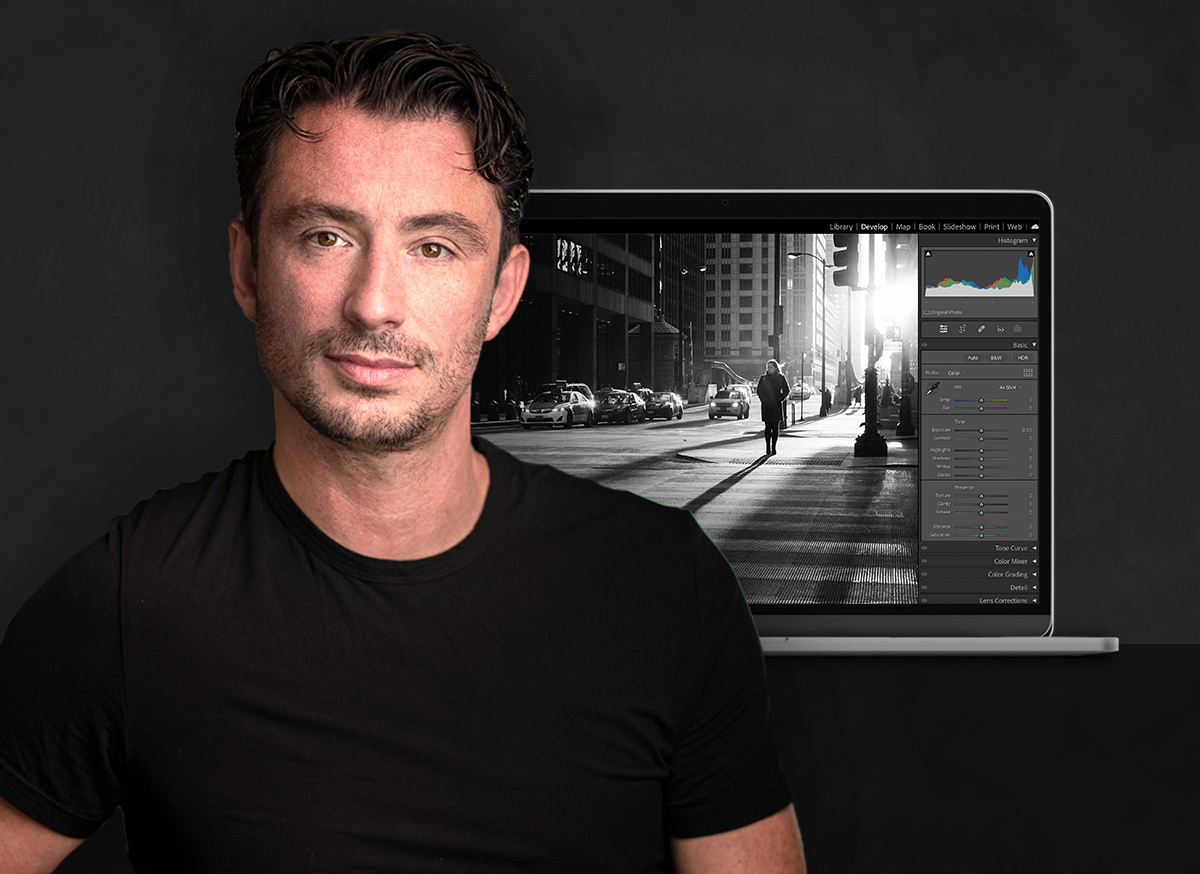
Award-winning photographer and graphic artist, Kelvin Pimont. With over 30 years of graphic design experience, Kelvin’s art has been published around the world by brands such as Chanel, Disney, Perrier, and L'Oréal. As an industry-leading educator, Kelvin has amassed a huge following for his easy-to-learn approach to turning any idea into a reality in Photoshop and Lightroom.